
You Can Now Save AI Prompts as “Skills” And It’s a Game Changer for Daily Users
Table of Contents
ToggleWhat Are AI Skills, Exactly?
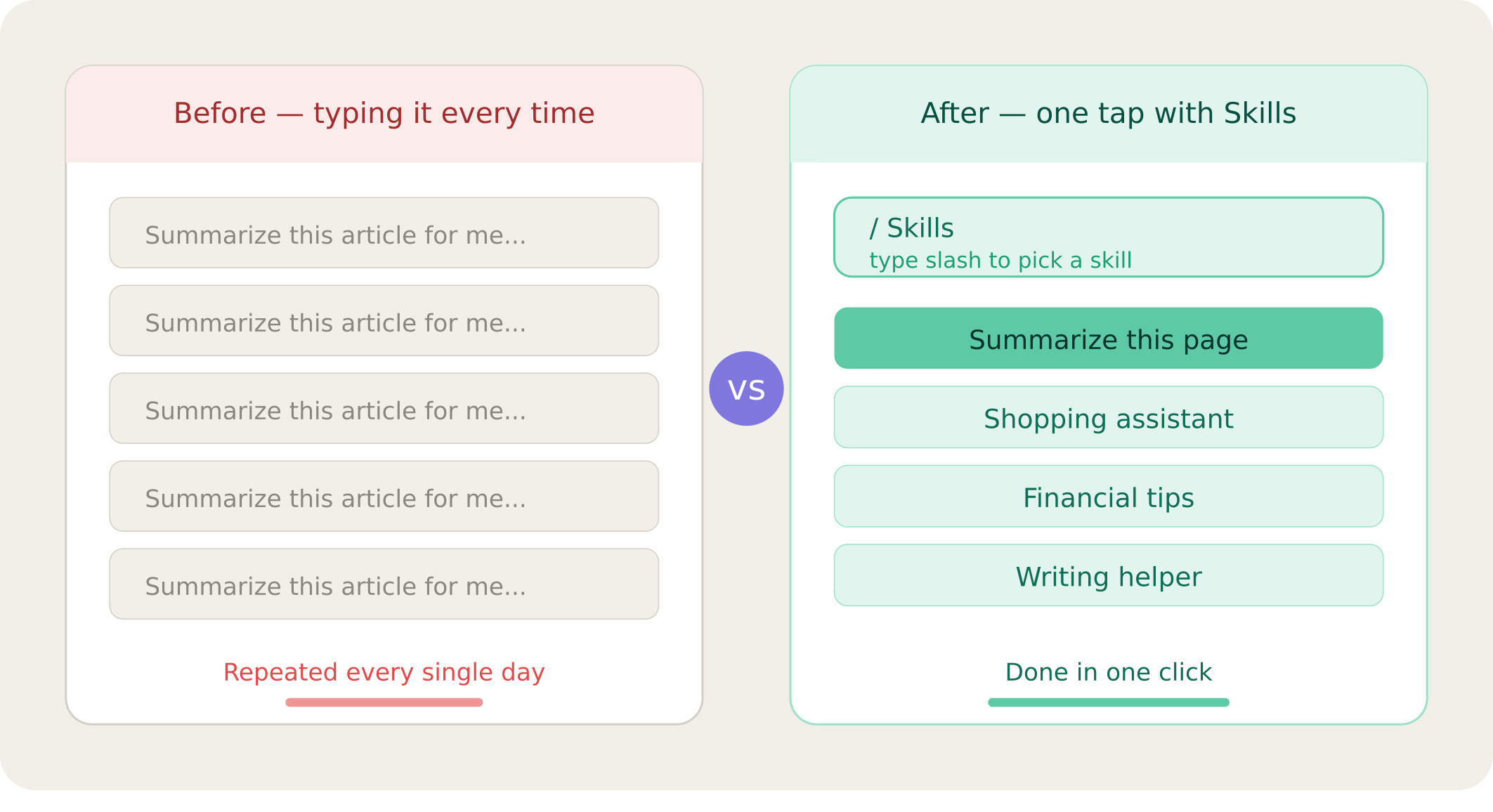
Think of Skills as saved shortcuts for your AI assistant. Every time you type a prompt whether it’s to summarize a webpage, help you write something, or give you buying advice you can now save that prompt as a reusable “Skill” with a single click.
The next time you need it? Just type a slash (/) in the AI sidebar, and your saved Skills pop right up. Pick one, and you’re good to go no retyping needed.
How Does It Work?
Saving a skill
After running any prompt in the AI sidebar, a new “Save as a Skill” button appears. Click it, give your skill a name, and optionally refine the prompt and it’s saved for future use.
Using a skill
Type / in the AI chat box and a list of your saved Skills appears instantly. Select the one you want, and the AI runs it right away.
Pre-built skills included
You don’t have to build everything from scratch. Some Skills come ready-made out of the box including a shopping assistant and a financial tips helper so you can start benefiting right away.
Who Is This Actually Useful For?
Honestly a lot of people. But a few groups will love this more than others.
Power users & writers
If you use AI to help with repetitive writing or editing tasks, saving those prompts as skills cuts your workflow time significantly.
Online shoppers
A built-in buying advice skill means you can get quick product recommendations without switching tabs or typing long questions.
Professionals with routine tasks
Anyone who uses AI for the same type of task daily summarizing, formatting, researching will save real time with reusable Skills.
Is It Available Right Now?
Currently, Skills are available in the experimental/developer version of the browser (Chrome Canary), meaning it’s not in the version most people use yet. But you can enable and test it today if you’re curious.
Once it rolls out to the stable version which is the goal it will be available to everyone automatically.
Why This Matters
AI assistants are getting smarter, but they still require you to tell them what to do every single session. Skills change that. By letting you save and reuse your best prompts, the AI starts to feel more like a personalized tool rather than a blank-slate chatbot.
It’s a small feature on the surface, but for anyone who uses AI regularly, it’s the kind of quality-of-life improvement that makes a real difference every day.
Whether this becomes a widely adopted feature depends on how people actually use it. But early signs suggest it solves a very real problem, and that’s usually a good start.