
How Google Actually Crawls Your Website in 2026: What You Need to Know
Most SEOs have heard of Googlebot. But how many actually know what happens the moment it lands on your page? Google’s Gary Illyes recently pulled back the curtain on the entire crawling and fetching process and some of what he shared might change how you think about your site’s structure.
Googlebot Isn’t Just One Crawler
Here’s something worth knowing right away when people say “Googlebot,” they are actually oversimplifying things. Google runs a whole family of crawlers, each built for a different purpose. There’s one for images, one for videos, one for news, and so on. Treating Googlebot as a single entity no longer captures the full picture. Google has published a complete list of its crawlers and user agents you can find the official breakdown at Google’s crawler overview page.
Googlebot Crawling Limits: The Numbers That Matter
This is where things get really specific, and where the Googlebot crawling limits conversation becomes crucial for technical SEO.
Illyes confirmed the following fetch thresholds:
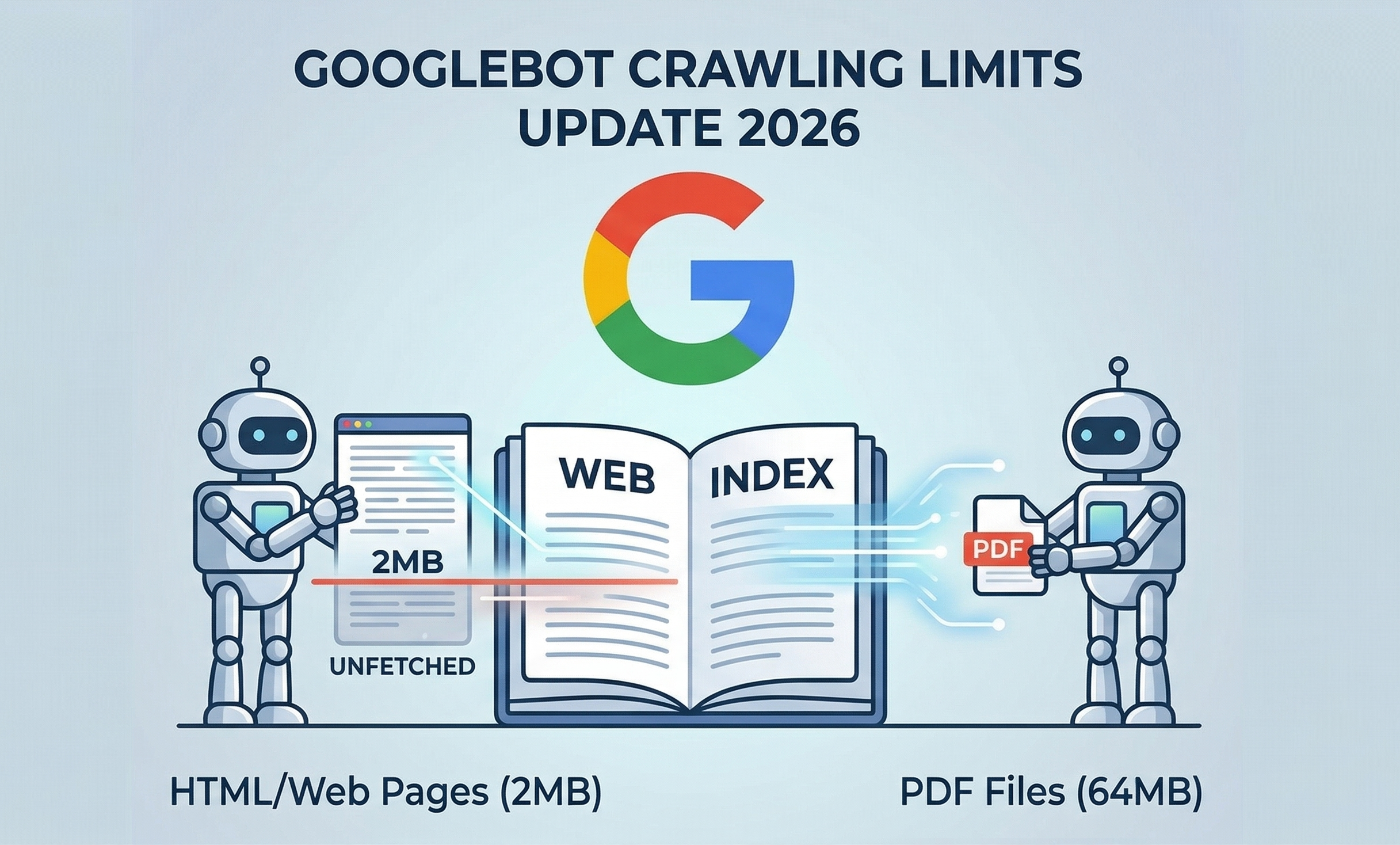
- Standard web pages (HTML): Googlebot fetches only the first 2MB of any URL, including the HTTP headers.
- PDF files: The limit jumps significantly to 64MB.
- Image and video crawlers: These vary depending on the product they’re crawling for no fixed number here.
- All other crawlers: If there is no specific limit, they will default to 15MB, no matter what type of content it is.
What does this mean in practice? If your page’s HTML exceeds 2MB, Googlebot doesn’t throw it out – it simply stops downloading at exactly that 2MB mark. Everything after that cutoff? Gone. Not fetched, not rendered, not indexed. And if you have been puzzled by pages disappearing from your index without explanation, this could very well be the reason, something many SEOs began questioning when the Google Search Console links report started showing unusual declines earlier this year.
What Happens After the Fetch?
Googlebot takes those bytes and sends them to Google’s Web Rendering Service (WRS). You can think of WRS as a browser that runs on Google’s servers. It does everything a modern browser does to fully understand what your page looks like to a user. It processes JavaScript, runs client-side code, handles CSS and XHR requests, and more.
One important detail: the 2MB cap applies to every individual resource separately. So if your page pulls in an external JavaScript file, that file gets its own 2MB allowance. It doesn’t eat into your main HTML’s limit.
Also worth noting: WRS does not request images or videos during rendering. That’s a separate process.
Three Practices That Make a Real Difference
Gary Illyes didn’t just explain the problem, he pointed toward solutions. Here’s what Google recommends:
Keep your HTML tight: Bloated inline CSS and JavaScript inside your HTML file will push your important content closer to the 2MB cutoff. Move heavy scripts to external files.
Front-load what matters: Your meta tags, title elements, canonical tags, and structured data need to appear near the top of your HTML. If they sit below the 2MB threshold, Google may never see them.
Watch your server logs: If your server is slow to deliver bytes, Google’s fetchers will automatically reduce how often they crawl your site. Slow servers quietly tank your crawl frequency and as we saw during the Google Search Console data delay earlier,, any disruption in how Google processes your pages can take days to even surface in your reporting.
Why This Matters Now
Google published a full technical deep-dive on this topic, titled Inside Googlebot: demystifying crawling, fetching, and the bytes we process. It’s a reminder that crawl efficiency isn’t just a technical checkbox, it directly affects what gets indexed and what doesn’t.
If your pages are heavy, your critical SEO signals might be sitting in the dark, well past that invisible 2MB wall.